Most hair loss photo guides are written with an unspoken assumption: light skin, dark hair, high contrast between scalp and hair. That combination makes thinning easy to see in photos. If you have Fitzpatrick type IV, V, or VI skin, the contrast between your scalp and hair is lower, lighting behaves differently on melanin-rich skin, and standard photography advice can produce images where real changes are invisible. This is not a minor inconvenience. It means people with darker skin tones are more likely to miss early signs of androgenetic alopecia in their progress photos, underestimate density loss, and delay treatment. BaldingAI's AI scoring is trained on diverse skin tones and works across the Fitzpatrick spectrum, but getting the best input photos still requires adjusting your technique. Here is how.
TL;DR
- Standard photo advice optimizes for light-skin/dark-hair contrast, which does not translate to darker complexions.
- Overhead flash and harsh direct light cause specular highlights on melanin-rich skin that wash out scalp detail.
- Diffused natural light from a window, positioned at 45 degrees to the scalp, gives the most consistent results for Fitzpatrick IV-VI.
- Part-line photography is a more reliable density proxy than crown overview shots when scalp-hair contrast is low.
- Lock exposure settings on your phone camera to prevent auto-exposure from brightening the frame and flattening detail.
Important
This article is educational and not medical advice. If you are worried about sudden shedding, scalp symptoms, or side effects, talk to a licensed clinician.
Why standard photo guides fail for darker skin
Hair loss tracking relies on detecting changes in the ratio of hair to visible scalp. When someone with Fitzpatrick I-II skin photographs their crown, the contrast between pale scalp and dark hair makes even small density changes visible. The scalp reads as a bright background, and thinning shows up as more bright area between dark strands.
For someone with Fitzpatrick V-VI skin and dark hair, the scalp and hair are closer in tone. The scalp does not read as a bright background; it reads as a dark surface behind dark hair. Thinning shows up as a subtle shift in texture rather than a change in brightness. Camera sensors and auto-exposure algorithms are optimized for mid-tone scenes (roughly Fitzpatrick II-III), which means they will often overexpose darker skin to reach their target brightness, washing out the fine textural detail that reveals density changes.
A 2019 review by Adamson et al. in the Journal of the American Academy of Dermatology highlighted that dermatologic photography standards historically underrepresent darker skin, leading to diagnostic disparities across conditions including alopecia. The same bias exists in consumer photography and, by extension, in self-tracking.
The lighting problem
Lighting is the single most important variable in hair loss photography, and it behaves differently on melanin-rich skin. There are two primary issues: specular reflection and subsurface scattering.
Specular reflection occurs when light bounces off the skin surface without penetrating. On darker skin, the contrast between specular highlights and the surrounding skin tone is extreme, creating bright spots that obscure scalp detail. Direct overhead light (the most common recommendation in hair loss photo guides) is the worst offender because it hits the curved scalp surface at near-perpendicular angles, maximizing specular reflection at the crown.
Subsurface scattering is the effect where light penetrates the upper layers of the skin before being scattered and re-emitted. In lighter skin, this creates a soft, warm glow. In darker skin with more eumelanin, subsurface scattering is minimal, and the skin surface appears more uniform and flatter. This reduces the visible texture cues (follicular ostia, perifollicular skin contour) that help reveal density differences in photos.
The fix: use diffused light, not direct light. A north-facing window on an overcast day provides ideal conditions. If you use artificial light, bounce it off a white wall or ceiling rather than pointing it directly at the scalp. Position the light source at roughly 45 degrees from the scalp surface rather than directly above. This angle reduces specular reflection while still illuminating the part line and follicular detail.
Flash: friend or enemy?
Phone camera flash is a small, intense point light source. On lighter skin, it produces acceptable results because the specular highlights are less extreme relative to the surrounding skin tone. On darker skin, flash creates harsh white spots at the point of maximum reflection and deep shadows everywhere else. The result is a high-contrast image that makes it nearly impossible to assess density across the scalp surface.
If you must use flash (for example, in a room with no windows), tape a single layer of tissue or tracing paper over the flash to diffuse it. This spreads the light source from a point to a small area, dramatically reducing specular intensity. Some phone cases include diffuser attachments designed for this purpose.
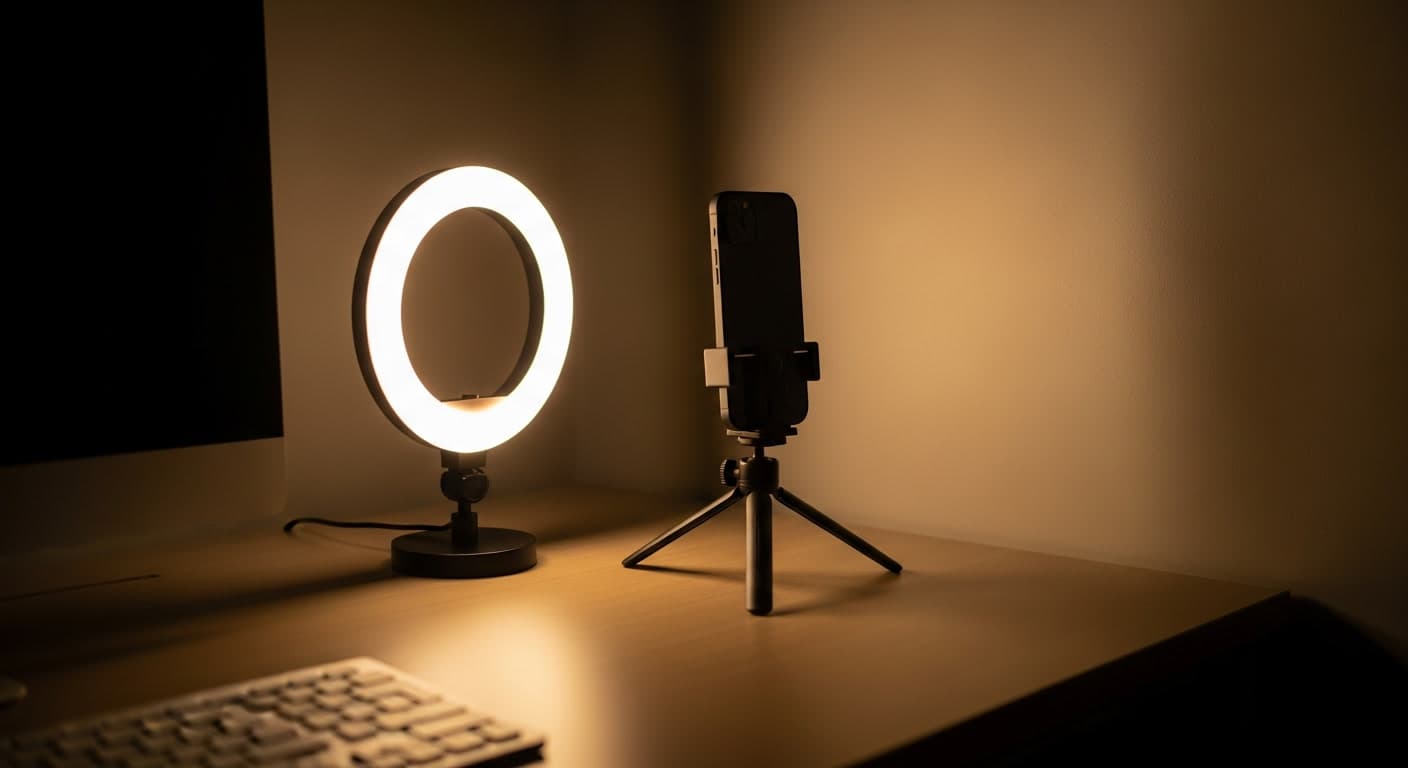
Better yet, use a ring light at low to medium intensity, positioned 12 to 18 inches from the scalp. Ring lights distribute illumination evenly around the lens axis, minimizing shadows and reducing specular hot spots. They are inexpensive and provide the most consistent lighting for weekly tracking photos regardless of skin tone. If you take progress photos on a regular schedule, investing in a ring light removes the biggest source of variability from your data.
Camera settings that matter
Phone cameras use auto-exposure metering that evaluates the overall brightness of the scene and adjusts ISO, shutter speed, and software processing to reach a target exposure. When the scene is dominated by dark tones (dark hair, dark skin), the algorithm compensates by brightening the image. This overexposure washes out the subtle tonal differences between scalp and hair that you are trying to capture.
On iOS, tap and hold on the scalp area in the camera viewfinder to lock autofocus and autoexposure (AE/AF lock), then drag the exposure slider down by roughly half a stop. On Android, most camera apps support a similar tap-to-focus and exposure compensation gesture. The goal is an image where the scalp and hair are slightly underexposed relative to what the camera wants, which preserves the textural detail that reveals density.
White balance also matters. Warm tungsten lighting adds a yellow cast that can make brown and dark brown skin look muddy, collapsing the tonal separation between scalp and hair. Set white balance to “daylight” or “auto” and shoot near a window whenever possible. If you use the same location and lighting setup every time (which you should), white balance stays consistent automatically. For the sharpest detail on the scalp, use the rear camera rather than the front camera whenever possible, since rear sensors have higher resolution and better low-light performance.
Part-line photography as a density proxy
For people with darker skin tones, crown overview shots are often the least informative angle. The low scalp-hair contrast and the curvature of the crown (which creates uneven lighting across the surface) make it difficult to assess density changes between scans.
Part-line photography is a better approach. By creating a straight part through the area of interest (crown, vertex, midscalp) and photographing it from directly above with the camera perpendicular to the part, you create a high-contrast line where the scalp is fully visible. Changes in the width of the visible scalp along the part line correlate directly with changes in density.
This technique is not new. Trichoscopy research frequently uses center-part measurements as a standardized method for grading female pattern hair loss (Ludwig classification). Sinclair et al. (2004) validated center-part width as a reliable proxy for follicular density in a study of 400 women. The same principle applies to self-tracking: a consistent part line, photographed under consistent lighting, gives you a repeatable measurement that is less affected by skin tone than a full-crown shot.
For textured or coiled hair (common in Fitzpatrick V-VI), creating a clean part may require dampening the hair slightly. Use a fine-tooth comb or a rat-tail comb to create a straight line. Photograph while the hair is damp and parted; do not wait until it dries and springs back. Log the part location in your tracking notes so you photograph the same line each time.
Textured hair and tracking challenges
Afro-textured, coiled, and tightly curled hair presents unique tracking challenges beyond skin tone. Hair that coils tightly away from the scalp can obscure the scalp surface even when density is low, because the hair spreads laterally rather than falling straight. Conversely, stretched or heat-straightened hair lies flat against the scalp and can make thinning appear more severe than it is.
For consistency, photograph your hair in the same state every time. If you track with natural, unstyled hair, always track that way. If you prefer to dampen and part, always dampen and part. The absolute appearance does not matter as much as the consistency between measurements. BaldingAI's density scoring compares your images to your own baseline, so what matters is that each scan is captured under the same conditions.
Traction alopecia is a significant concern for people with textured hair who wear protective styles (braids, twists, locs, weaves). Khumalo et al. (2012) found that traction alopecia affected up to 31.7% of African women attending a dermatology clinic in South Africa. When tracking hair density, distinguish between thinning from androgenetic alopecia (which follows a pattern, typically vertex and frontal) and thinning from traction (which follows the hairline margins where tension is highest). Photographing both the hairline and the crown separately helps differentiate the two patterns over time.
Building a tracking setup that works
Here is a concrete setup that produces consistent, analyzable photos for Fitzpatrick IV-VI skin tones:
- Location: Same spot each time. Near a large window with indirect daylight, or under a ring light at medium intensity.
- Lighting angle: 45 degrees from the scalp surface. Avoid direct overhead light.
- Camera: Rear camera, locked exposure (tap and hold on the scalp, reduce exposure by half a stop).
- Hair state: Slightly damp, freshly parted with a comb. No product, no styling.
- Angles: Part line from above (camera perpendicular to the part), hairline from forehead level, temples at 45 degrees.
- Background: Neutral (avoid patterned wallpaper or colorful clothing that confuses white balance).
- Frequency: Every 1 to 2 weeks. Log date, hair state, and any treatment changes.
The bottom line
Hair loss affects people across every skin tone, but the tools and techniques for tracking it have been designed with lighter skin as the default. If you have darker skin, you are not imagining that your photos look less informative than the examples in guides and forums. The physics of light on melanin-rich skin genuinely makes standard approaches less effective.
The adjustments are straightforward: diffuse your light, drop your exposure, use part-line photography instead of crown overviews, and keep your hair in the same state for every scan. These changes take five minutes to set up and make the difference between photos that show real trends and photos that are noise. Good data leads to better treatment decisions, and everyone deserves access to that regardless of skin tone.
Sources: Adamson et al. 2019, Journal of the American Academy of Dermatology , Sinclair et al. 2004, British Journal of Dermatology, Khumalo et al. 2012, Journal of the American Academy of Dermatology.